Advanced settings are intended for experienced users, they allow you to choose the options for sending certain SMS.
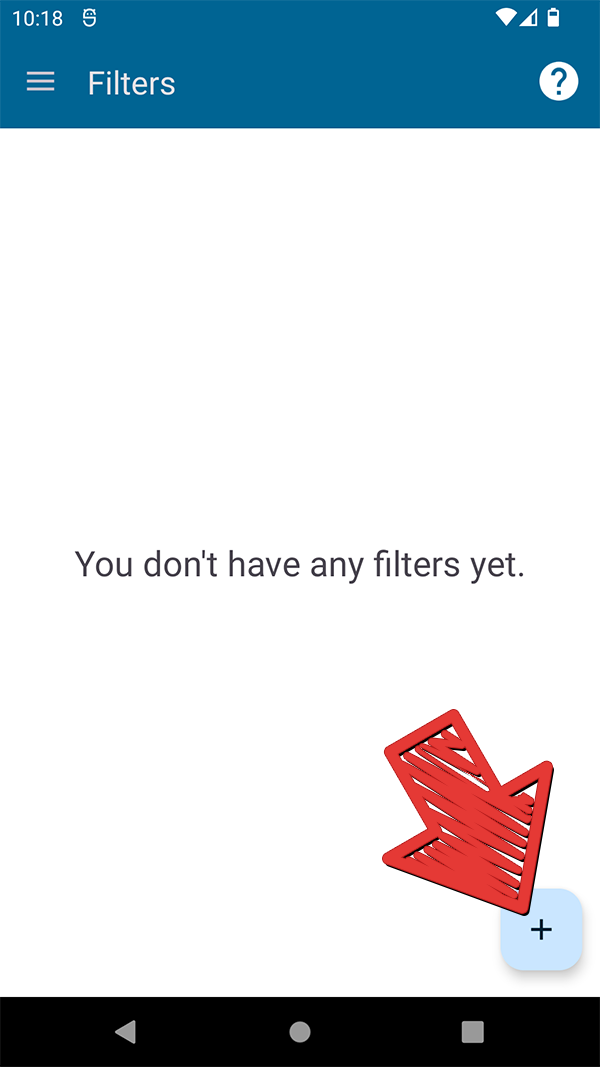
Open the application and click on the add new filter button:
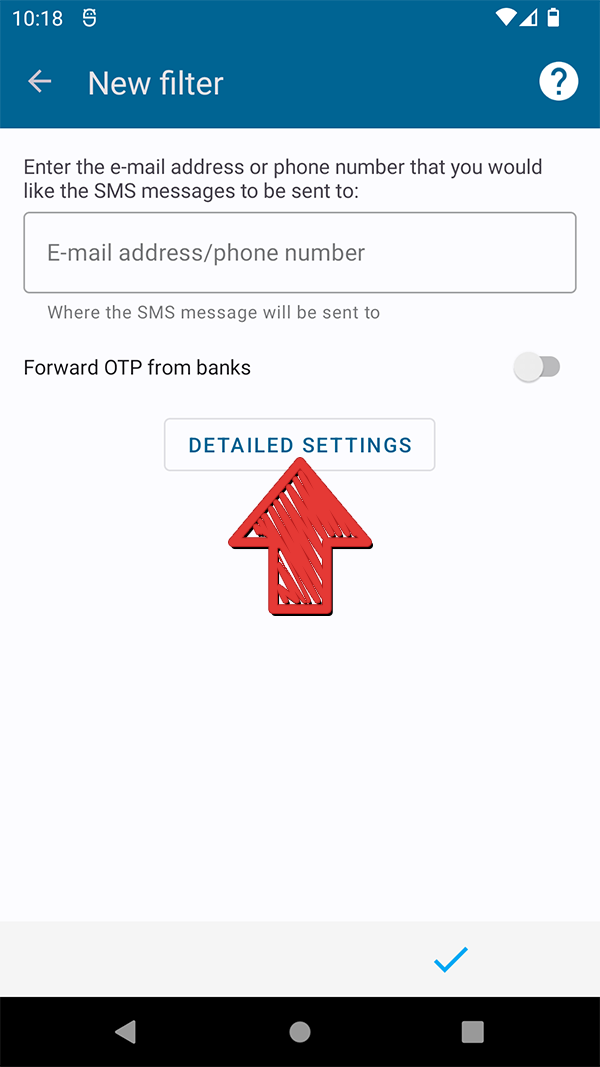
Select “Detailed settings”:
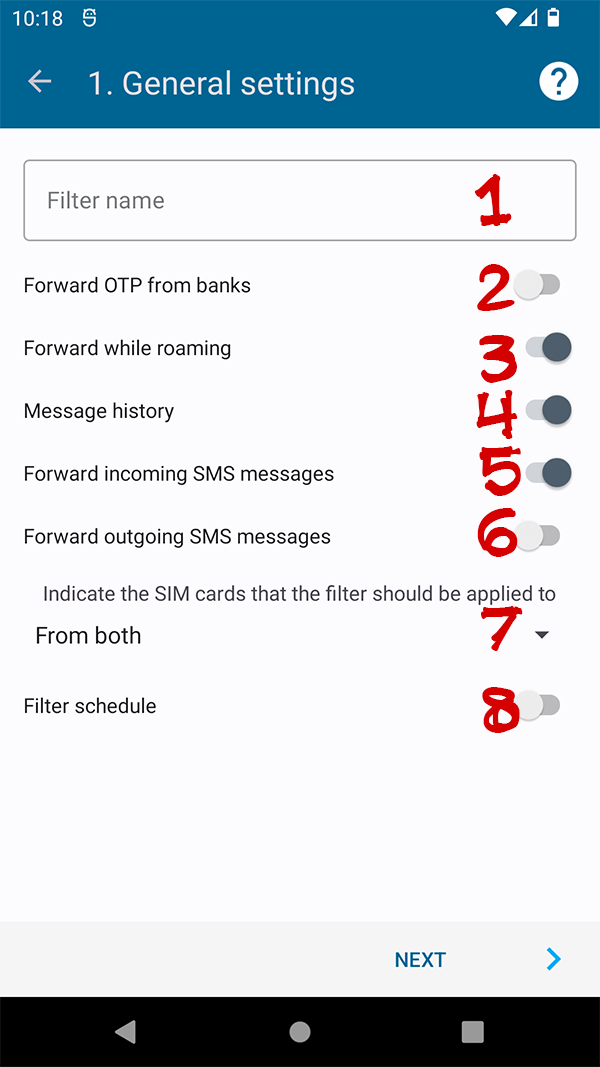
On the window "1. General settings" you can
- Filter Name
- Enable/disable OTP forwarding from banks
- Enable/disable filter operation while roaming
- Enable/disable filter history saving
- Enable/disable forwarding of incoming SMS
- Enable/disable forwarding of outgoing SMS
- For which SIM cards the filter will be used (if your phone supports several SIM cards)
- Allows you to set the filter operation time (SMS received during this period will be forwarded)