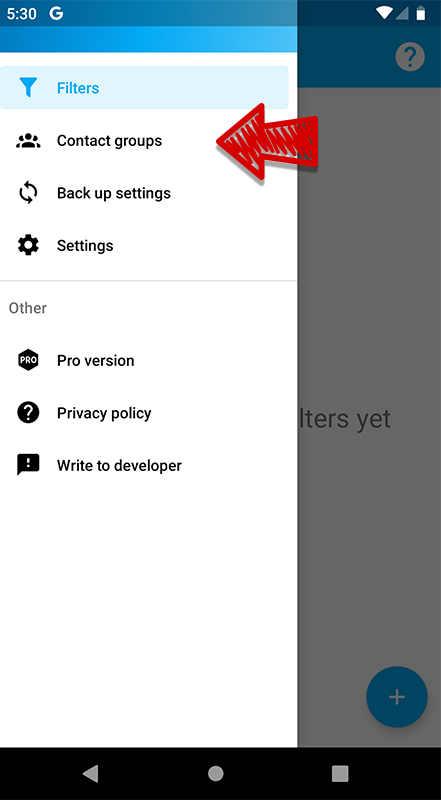
Sometimes, you may need to group several contacts into a group for ease of use. You can do this by selecting in the menu:
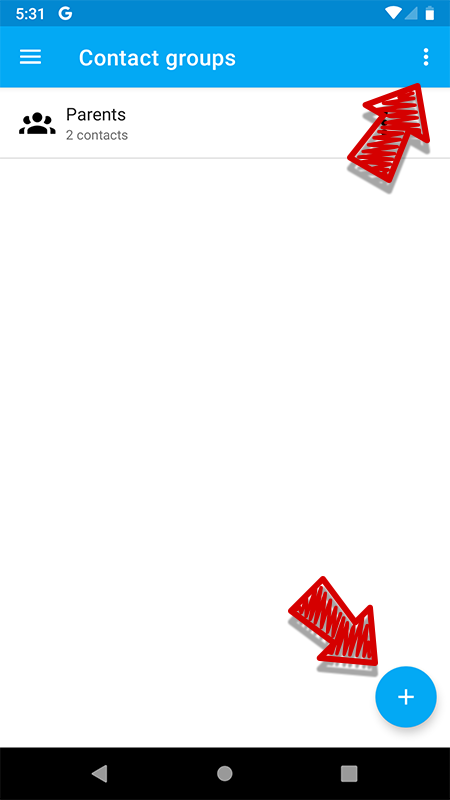
Here you can create new groups and change them. And also enable manual synchronization of the contact list, if necessary.
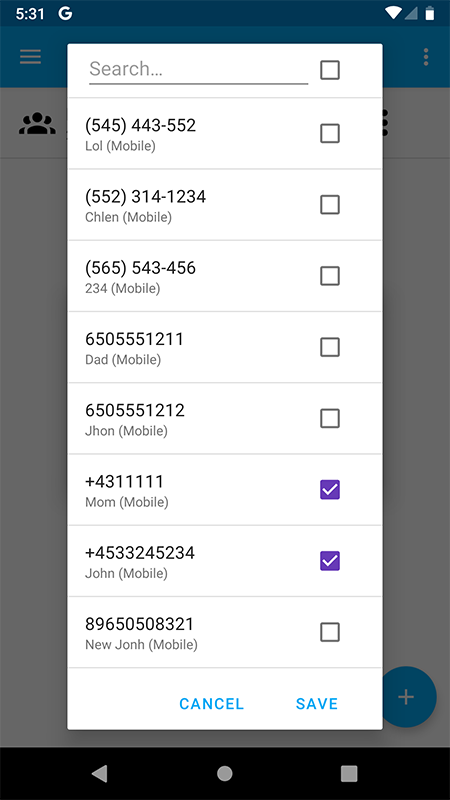
When creating a group, you can specify a name and select the contacts that will be included in this group.
After creating a group, you can use it in the filter settings in the 3/4 window.