If you are sure you have configured the filter correctly. First of all, check the status bar:
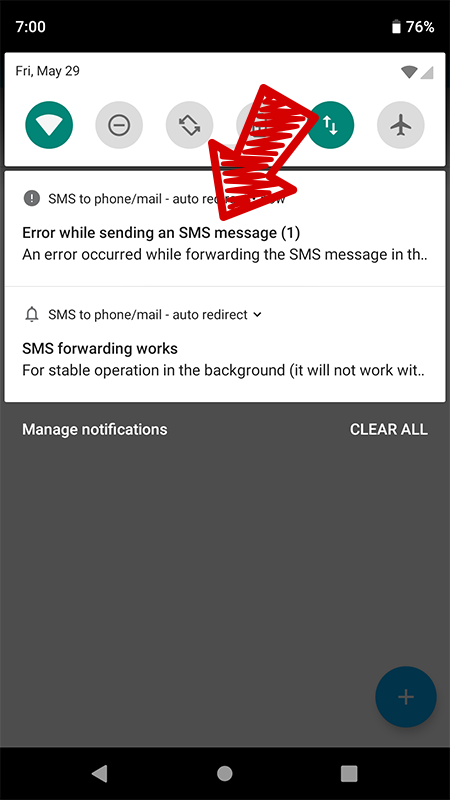
If after sending a test SMS you received such an error message, then click on it, the application will open with the error details:
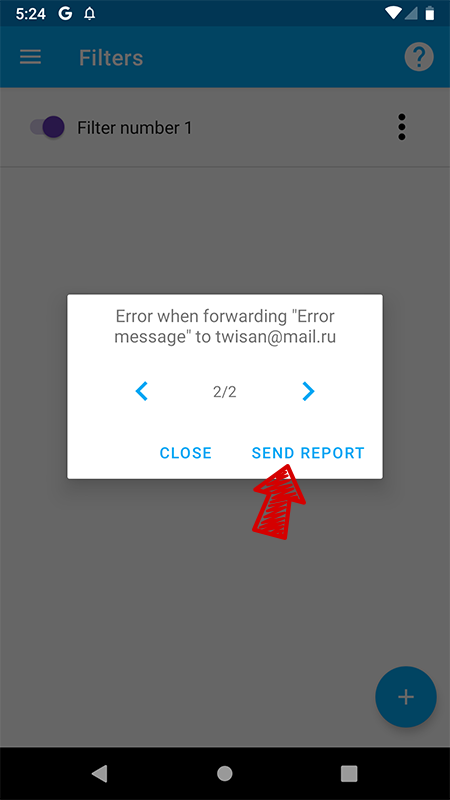
Click “Send Report” and you will be prompted to send a letter to our support mail, describe the situation and soon we will reply to you with an error message.
With the background work of the application, see the article “After stopping the work, new SMS do not fall into the Message History”.