If you checked the history of SMS sent by the filter, and there you found SMS that should have been sent, but not sent to the mail, there are several cases:
1) If such SMS is not marked with a green circle - it means a sending error has occurred.
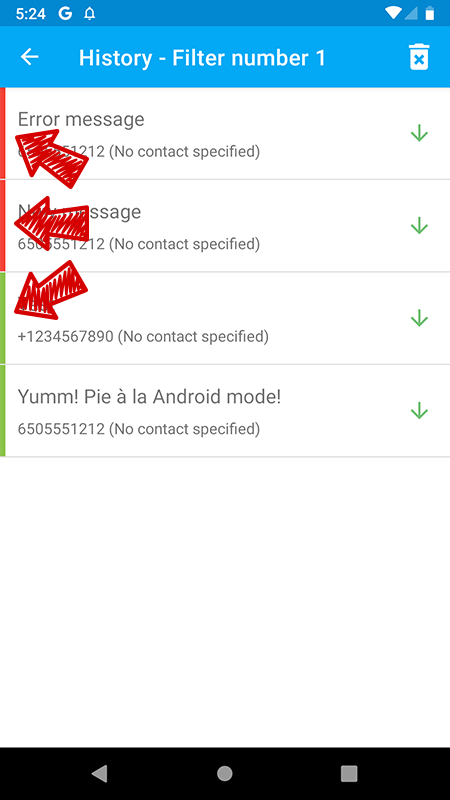
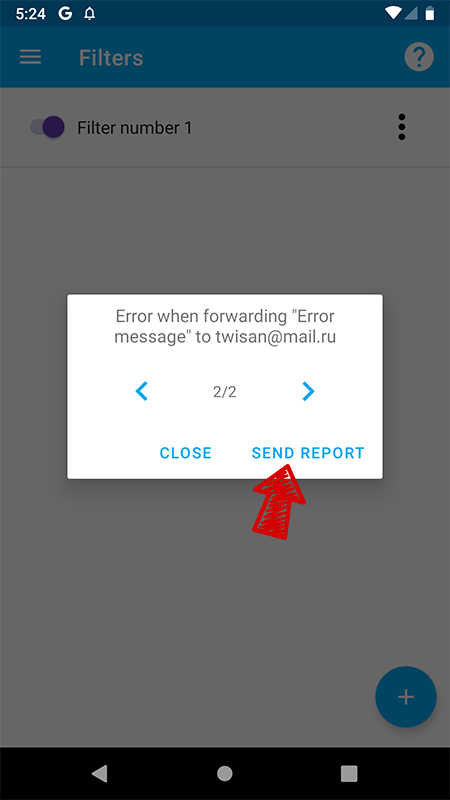
This means that at the time SMS arrived in the status bar, an error message should have arrived. Repeat this case, click on the message and send the error report to the developer:
2) If such SMS is marked with a green circle, then they were sent successfully:
- If you have forwarding to e-mail, then check the spam folder and contact the technical support of your mail service (some letters do not even reach the Spam folder and are deleted by them earlier). You can also try changing your e-mail to another email service (for example, gmail.com).
- If you have forwarding to another phone number, then open the default application to send SMS on your device and check if there are sent SMS and you will probably see an error.