This instruction will help you set up sending your SMS via the Telegram app and make sure everything is configured correctly.
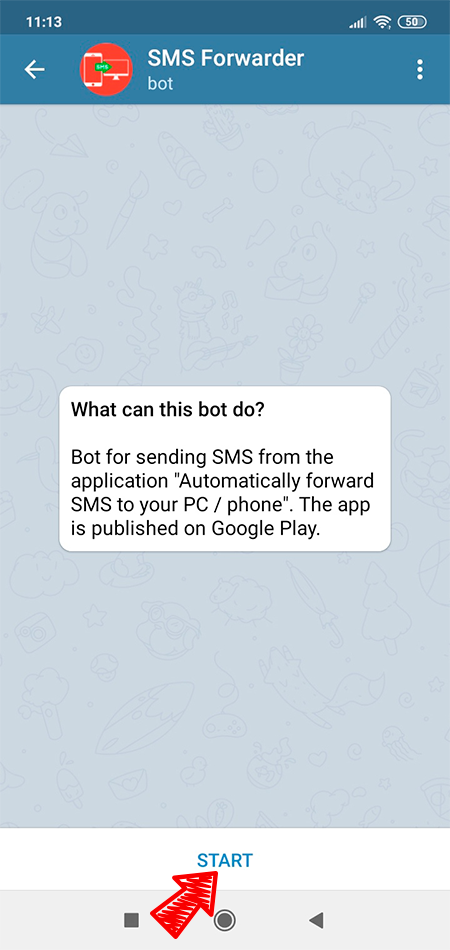
Forwarding takes place using our bot - @smsforwarder_android_bot.
You need to write to him or add to the group chat:
After that, the bot will immediately send you the following message:
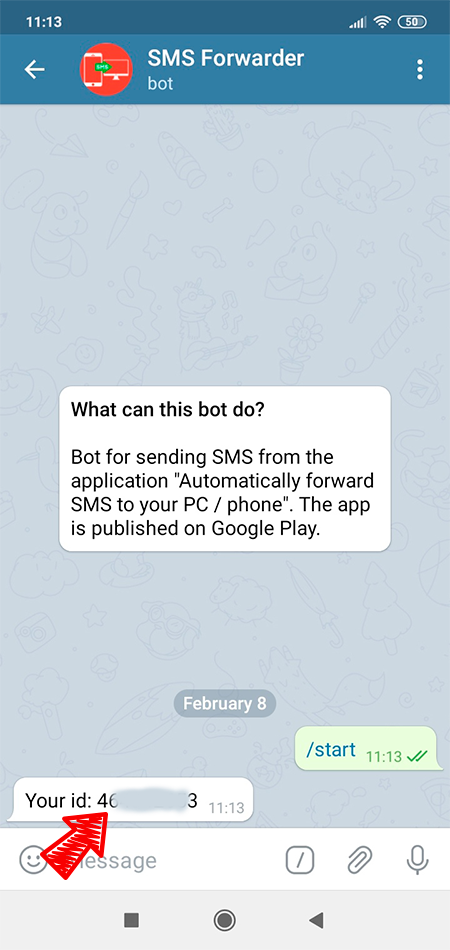
To receive SMS in a group chat or in private messages, you need to select the “To telegram” sending method in the filter settings and specify this identifier there.
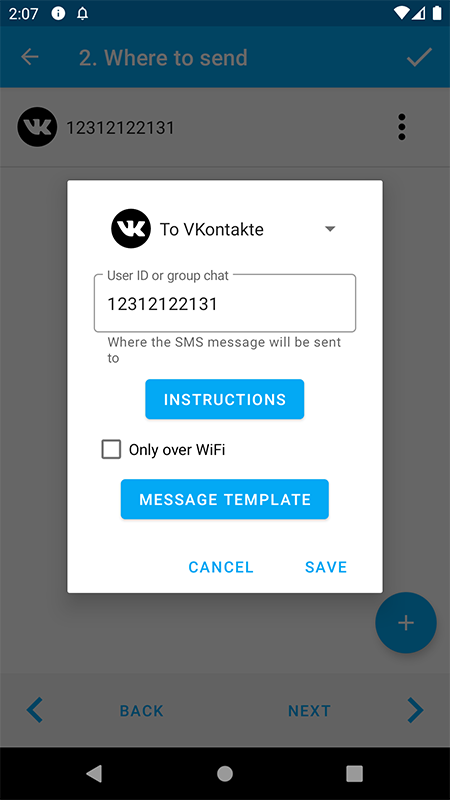
Save filter. Now the application will forward your SMS to the specified chat.
If you do not add our bot or block / delete it from the group chat, then in the application you will receive an error message:
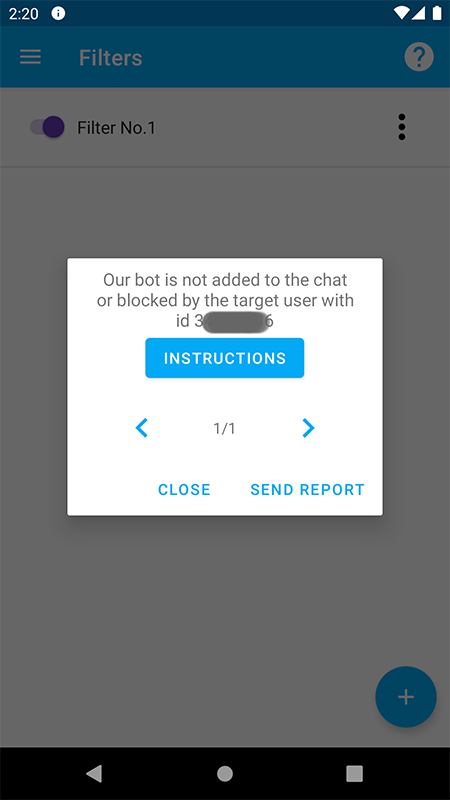
Just write again or add our bot (@smsforwarder_android_bot) to the chat and the error will disappear.
If you have forgotten your ID, you can always find it out using the “/id” command in the chat with the bot.