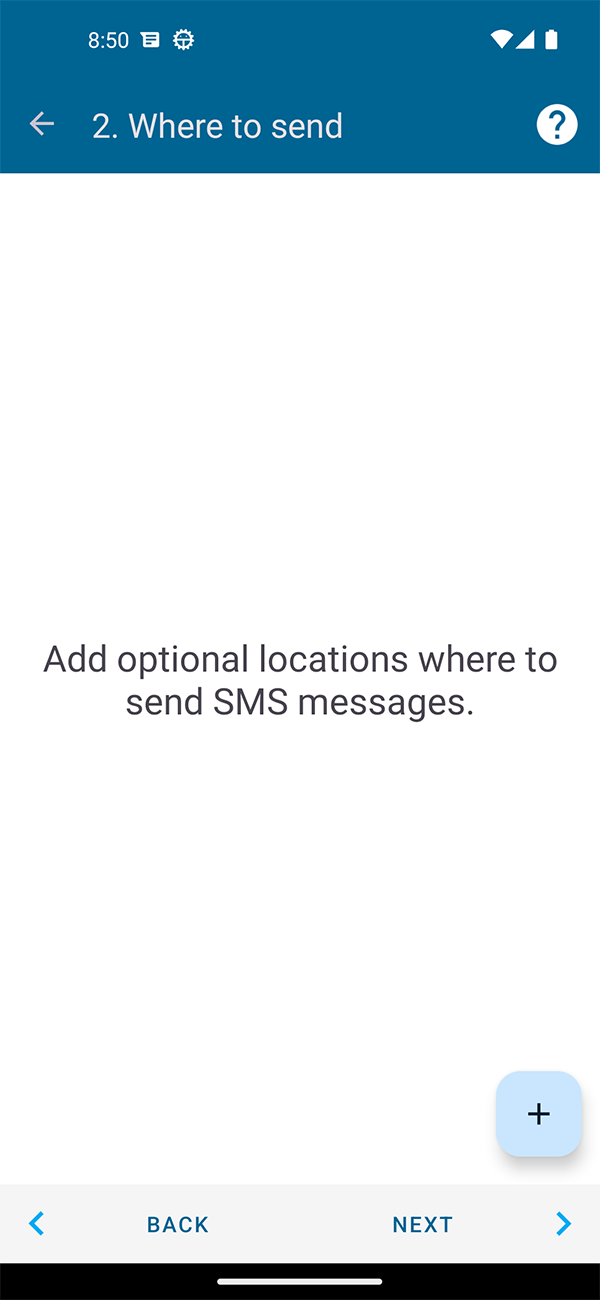
On this filter settings page, you can choose where your SMS will be forwarded.
Attention! You cannot enter someone else's mobile phone number here to receive his SMS, the application will not work like that. This is impossible.
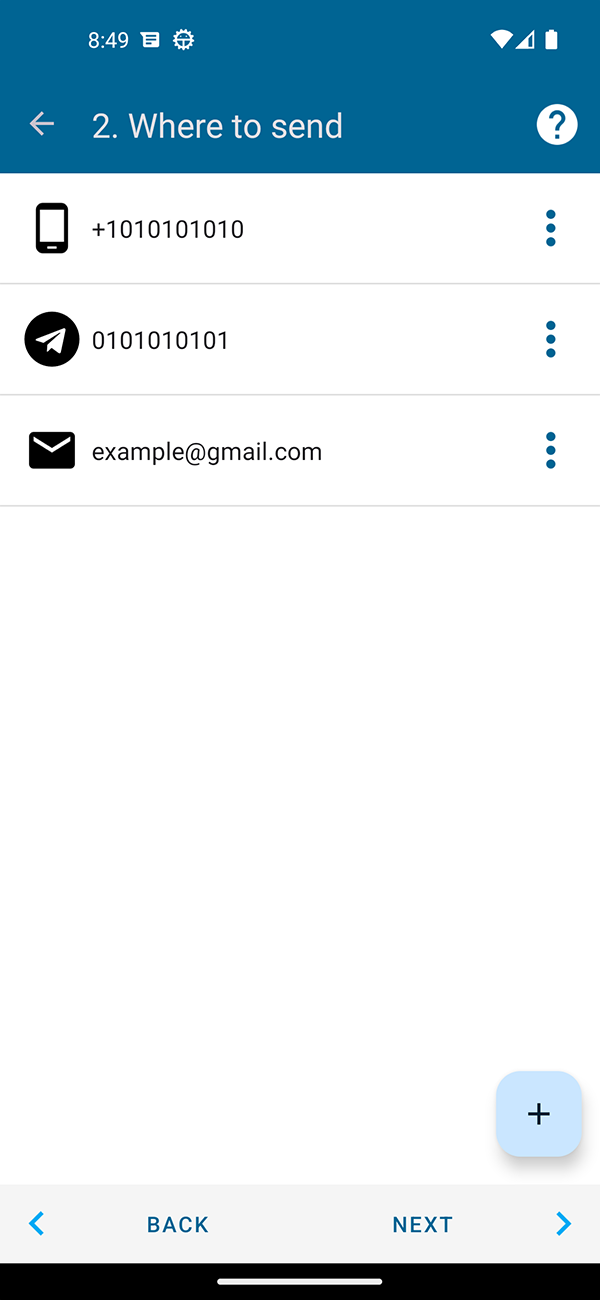
The following shipping targets are currently available:
- To another phone number (forwarded by sending SMS from your phone). Your mobile operator may charge you for sending SMS, be careful.
- By e-mail. There are several ways to send to e-mail: through our server, through the Gmail API, through SMTP (you can choose and configure convenient options in the application settings).
- In Telegram. You can set up forwarding through our bot or your own to a private or group chat.
- at ICQ. You can set up forwarding through our bot to a private chat or a group chat.
- Vkontakte. You can set up forwarding through our bot to a private chat or a group chat.
- on URL. You can send data to your personal server and there you can further process it and do whatever you want with it.
- Suggest new options, we are ready to consider them
Each of the methods contains its own additional settings, such as “Message template”, “Sending via Wi-Fi only”, and so on.
There is currently no limit on the number of targets for forwarding, but be careful.
More details about each of the methods are described in separate articles.